


Specifications Copenhagen Metro
Getting started
This specification contains 2 distinct creative formats. Before beginning your creative development, please review the individual technical specifications for each format.
For each format, use the accompanying files to find the relevant information:
- Guidelines (technical specifications)
- Help files (an example of a domination campaign)
- Templates (your work-file, InDesign file)
- Mockup (overview of your design)
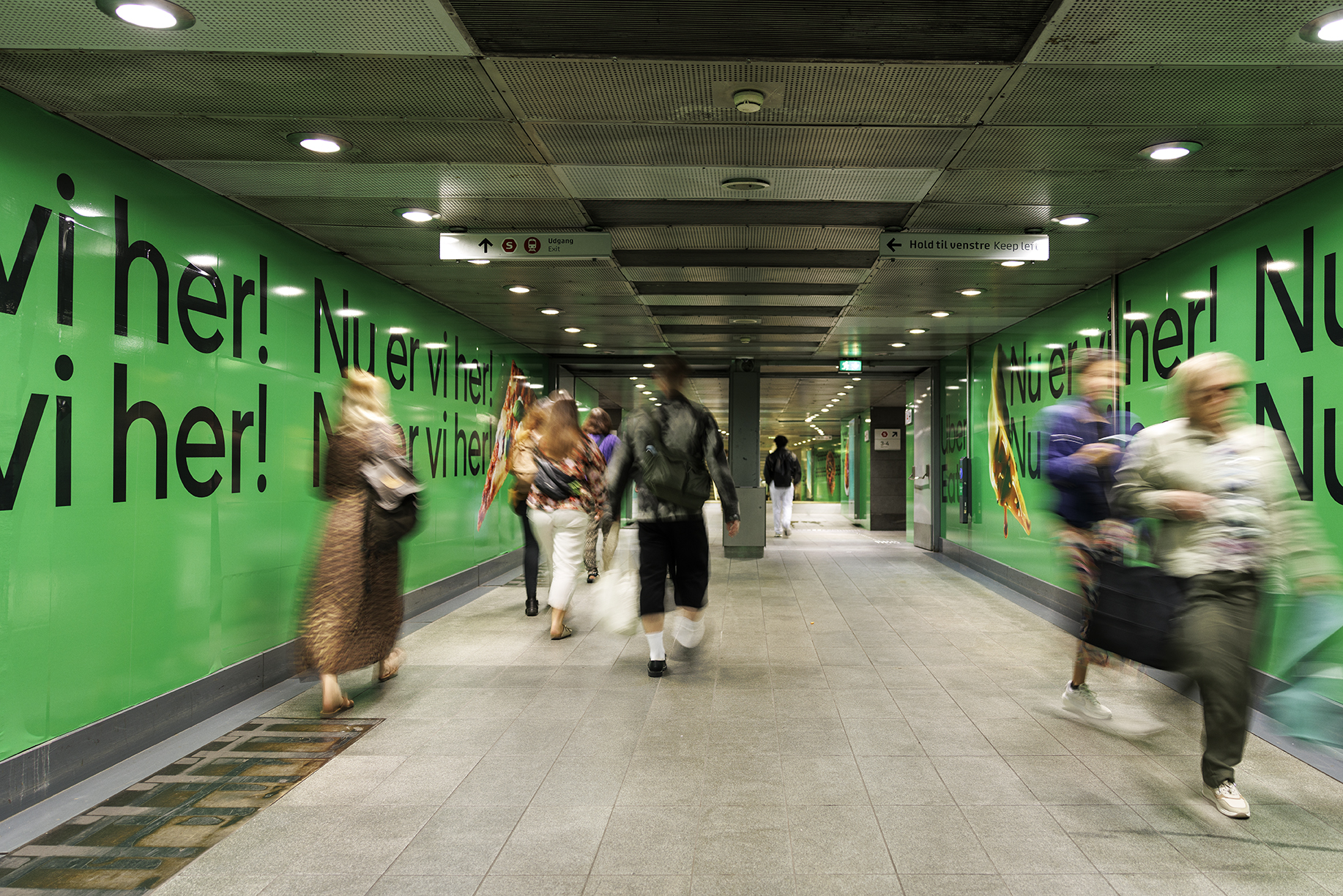
Transfer tunnel Nørreport includes the following formats:
- Format 1: Walls (Consist of 11 different wrapped panels, each with its own tempalte.
- Format 2: Digital Adshel
Deadline
Print
Upload at least 15 working days before the start of the campaign.
Digital
Upload at least 3 days prior to campaign start. Please note HTML solutions must be delivered minimum 10 working days before campaign start.
Co-branding
If you intend to advertise together with another brand, we must be notified of this no later than 4 weeks before the start of the campaign to ensure delivery of the reserved campaign.
Responsible marketing
It is the advertiser’s responsibility to ensure that the layout or design does not conflict with the Danish Marketing Act or infringe third party intangible rights, and that the material complies with the stated specifications. See our general business terms.
Format 1: Walls
.jpg)
Please make sure to read the guidelines carefully before starting production.
Download
- Guidelines (technical specifications)
- Help files (an example of a campaign)
- Template 1
- Template 2
- Template 3
- Template 4
- Template 5
- Template 6
- Template 7
- Template 8
- Template 9
- Template 10
- Template 11
- Mockup
Format 2: Digital Adshel
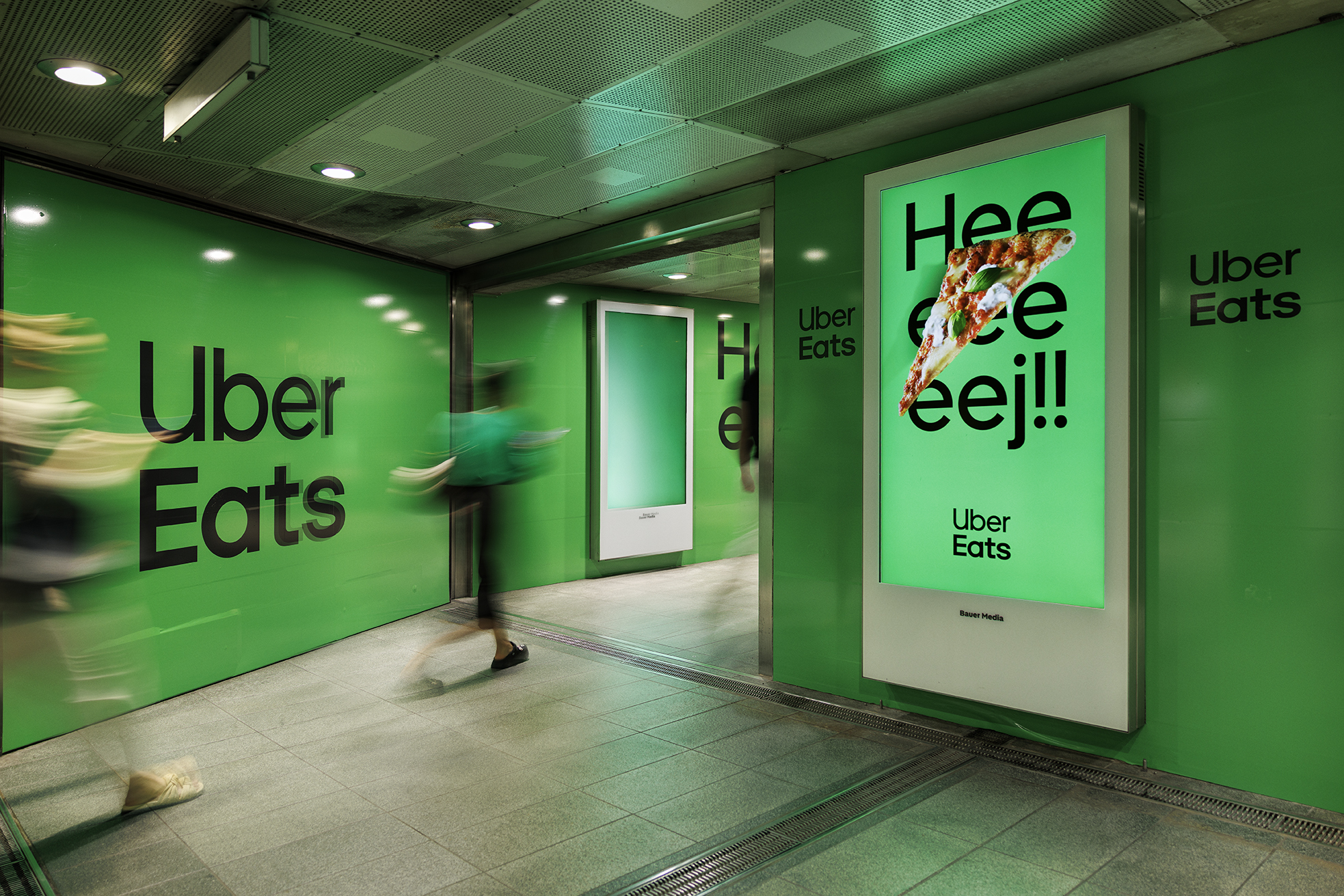
Please make sure to read the guidelines carefully before starting production.
The specifications are available via this link.
Need help?
Our team is here to make sure your campaign meets all requirements and delivers the best possible results. Contact us for support with delivery specifications or campaign optimisation.

Design Guide
Creating the perfect outdoor campaign for an audience on the move.
Upload
Please use this link to upload print-ready files and campaign materials.
H3
H4
H5
Copy P2 100%
Example of a bold heading
Example of a text link here
- Example of a bullet point list
- Example of a bullet point list
- Example of a bullet point list
- Example of a numbered list
- Example of a numbered list
- Example of a numbered list
No items found.